

 To launch labAlive simulation applications you need a Java Runtime Environment supporting Java Web Start on your system. Here you can get more information about installing the right Java version.
Instruction Manual (German)
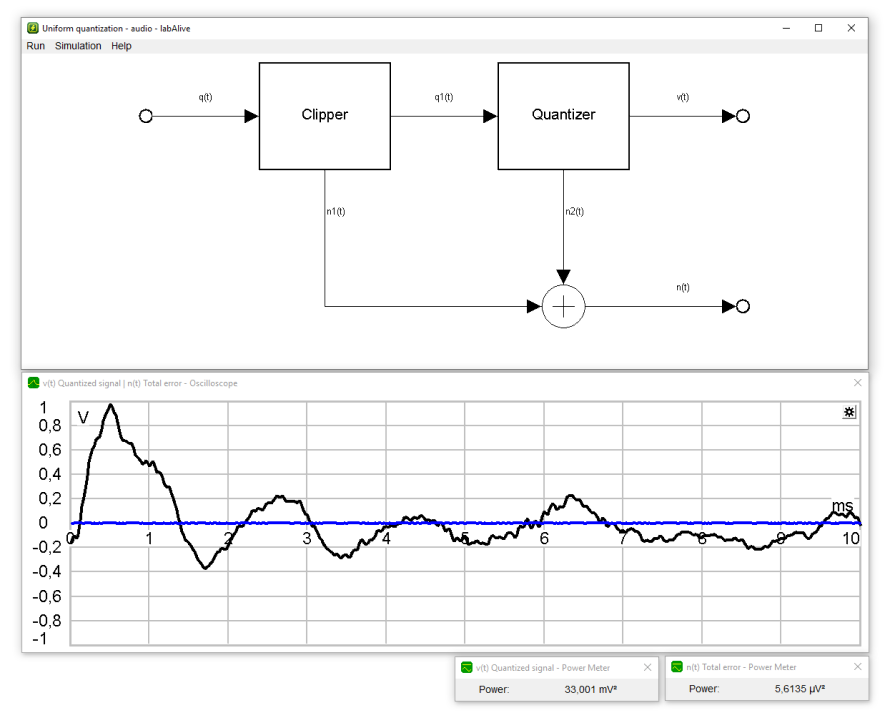
Uniform quantization
Figure out these questions using the online simulation:
- Calculate and measure the quantization error power!
- Vary the signal amplitude and determine the respective Signal-to-quantization-noise ratios.
- Vary the bit per sample resolution and determine the respective SNRs.
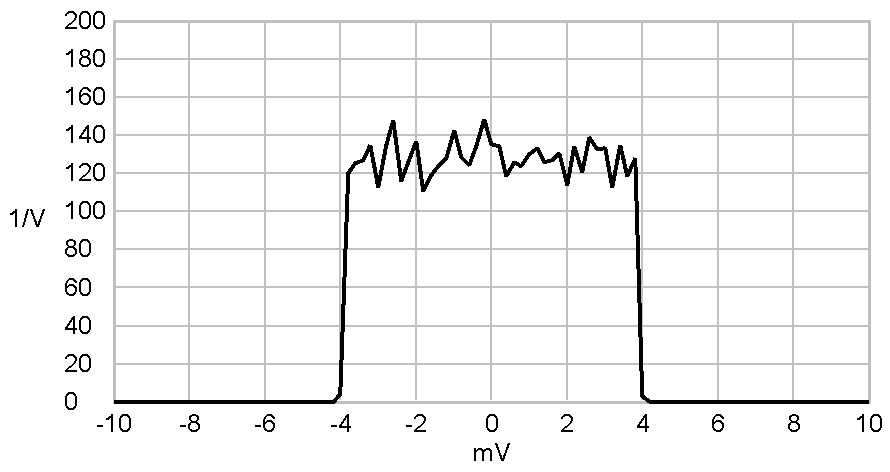
- What probability distribution does the quantization error (usually) have?
- What exceptions can occur to this probability distribution?
Listen to signals using the audio play measure (right click on wire):
-
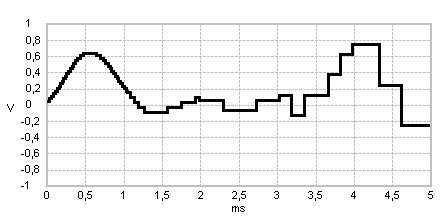 How does music or speech sound for different quantization resolutions?
 -
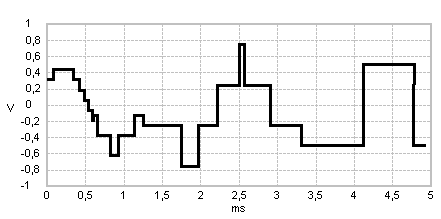 How many bit per sample are required to understand the speech demo?
 -
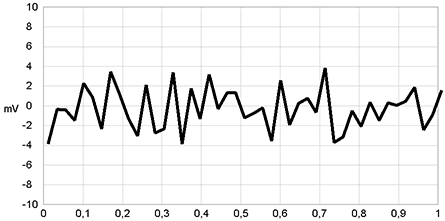 Can you imagine how this wired quantization error signal will sound?
- Check the sound quality for low signal amplitudes.
External links Wikipedia: Quantization (signal processing)
Click on source symbol  |
Select and adjust input signal 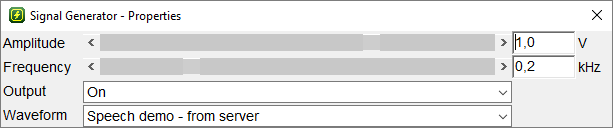 |
Click on Quantizer  |
Vary the bit per sample resolution 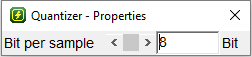 |
Right click on wire   |
Open any measure for a signal  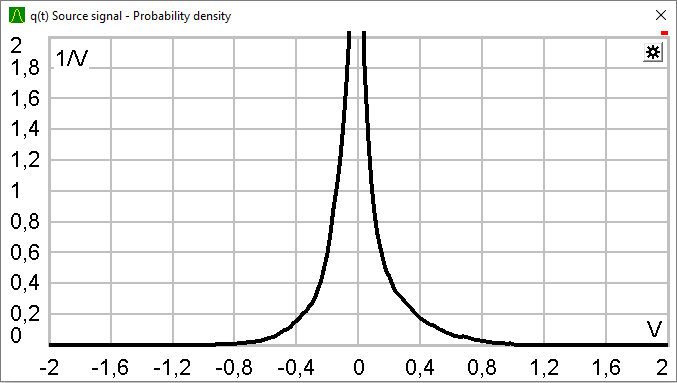 |
 |
 |
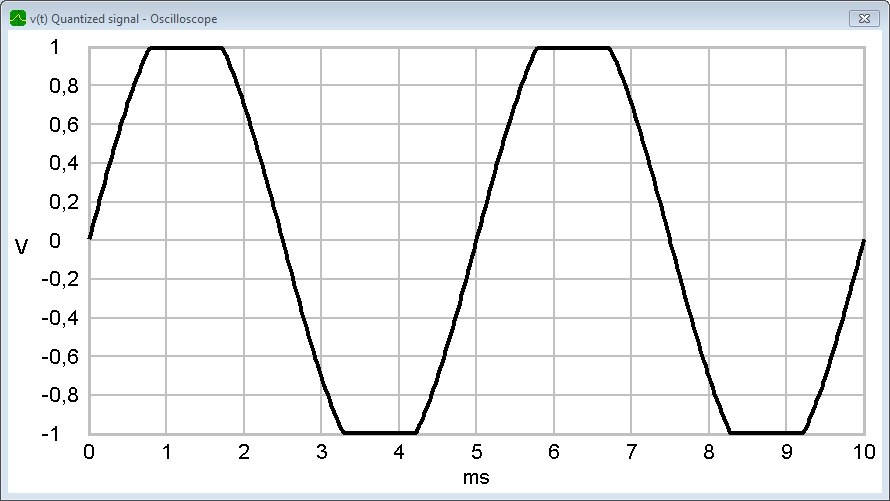
8 bit quantized sine with a source amplitude of
. |
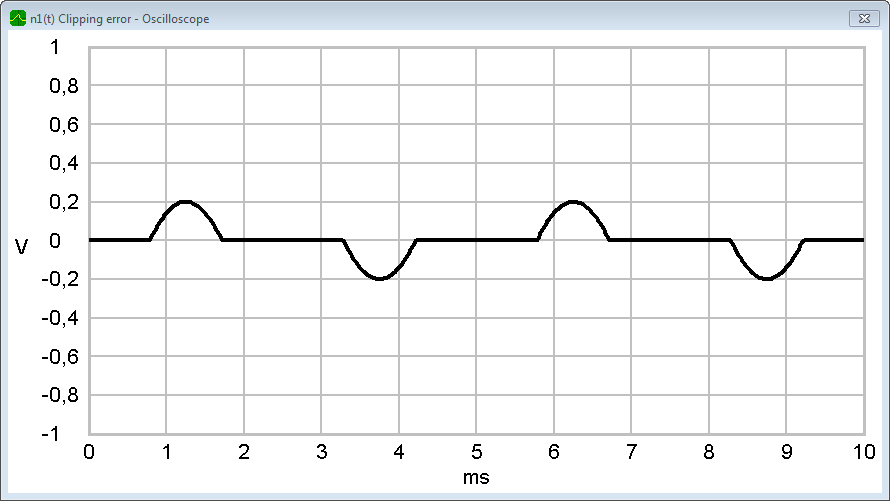
Clipping Error of a sine signal with a source amplitude of . The clipper is set to 1V. |
 |
 |
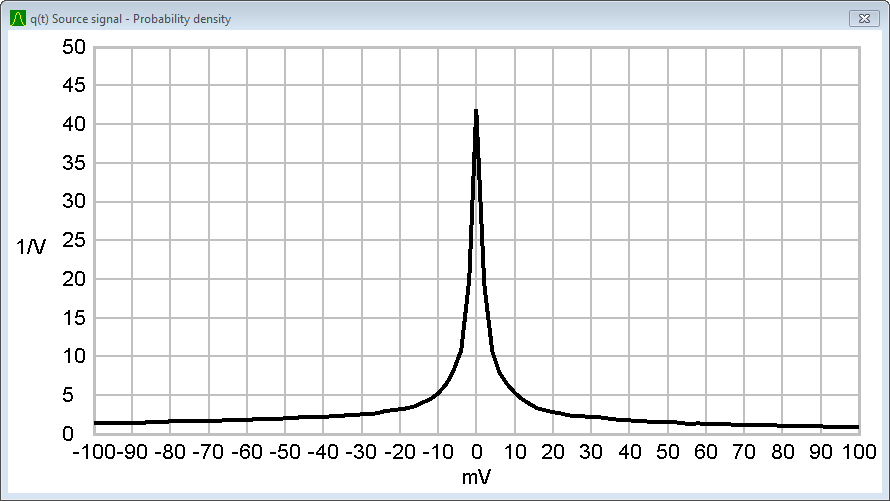
Probability density of a speech demo signal (laplace distribution). |
Probability density of the total error. |
 |
 |
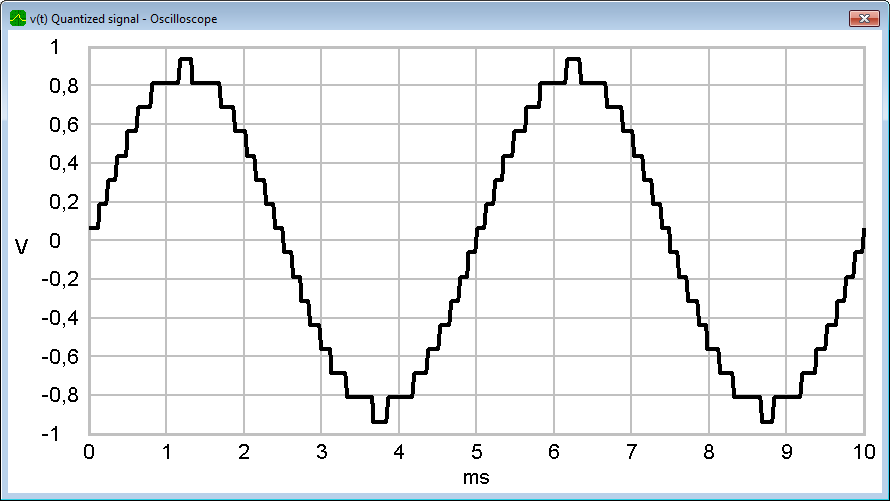
4 bit quantized sine signal. |
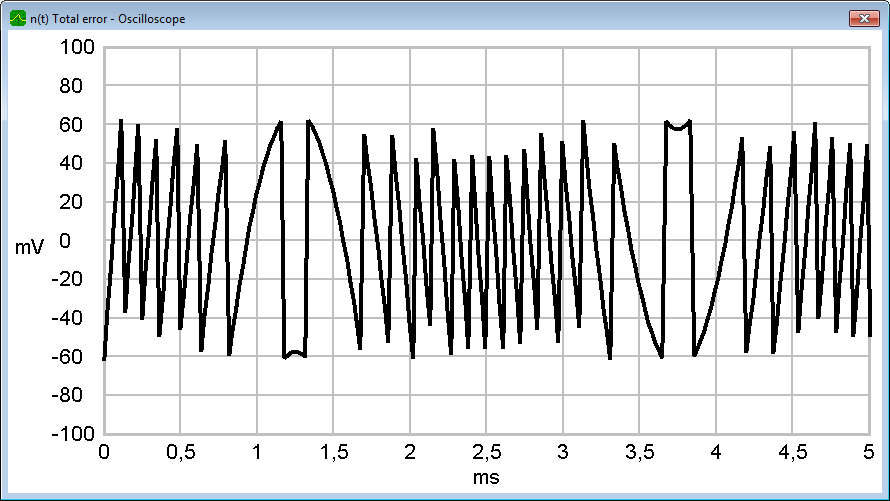
Total error of a 4 bit quantized sine signal. |
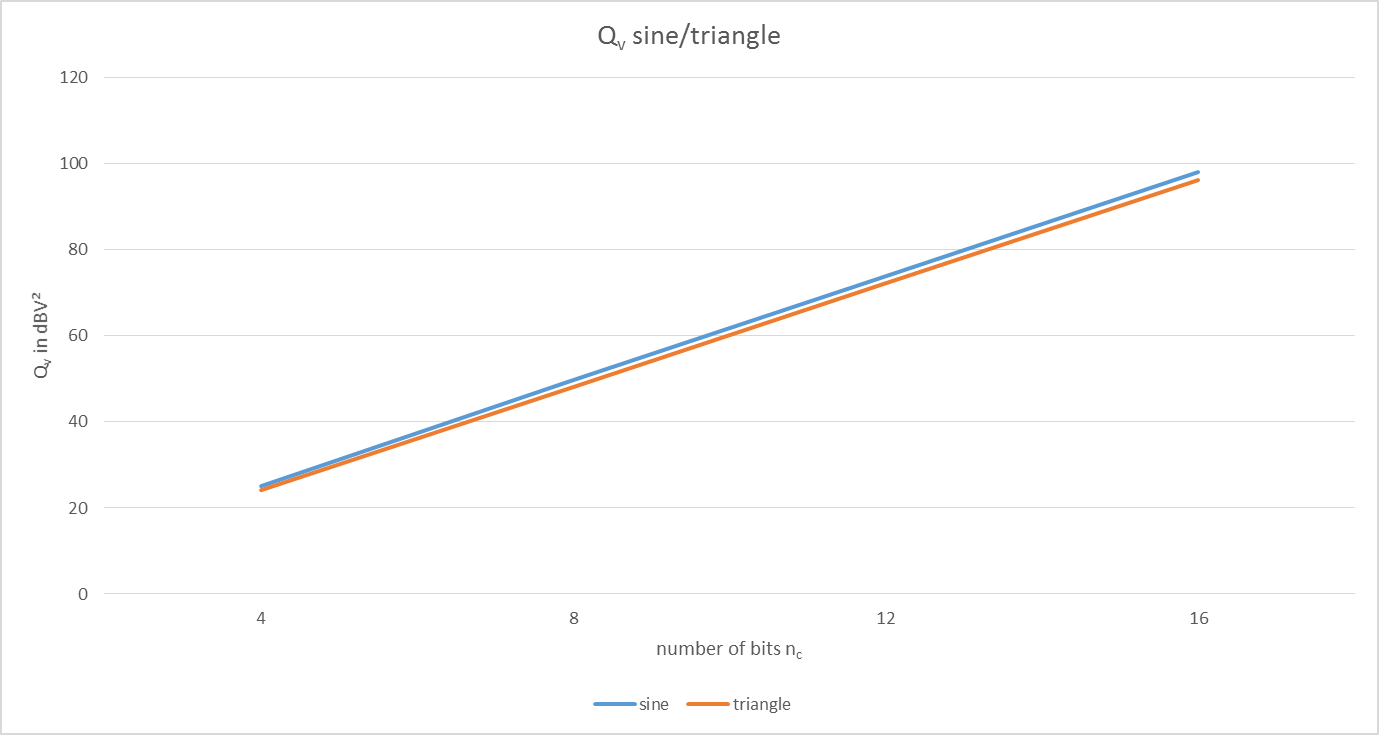 Signal-to-quantization-noise ratios of sine and triangle signals. |
|